
Getting started
1. Create an account
Section titled “1. Create an account”Go to dungeonsndynasty.com, choose Register, and confirm your email. A Season Pass unlocks every hub for the whole season; checkout runs through Stripe and access is live as soon as payment clears. If someone gave you a trial code, enter it as your invite code when you register.
2. Link Sleeper
Section titled “2. Link Sleeper”Open Account → Link Sleeper, enter your Sleeper username, email or phone, and type the one-time code Sleeper sends you. That is the same sign-in the Sleeper app uses. Your Sleeper password is never entered here.
Linking is what lets the app read your leagues and, only when you press the button, set lineups, place claims and send offers on your behalf. You can unlink at any time from the same screen.
3. Choose which leagues to include
Section titled “3. Choose which leagues to include”Every league on your Sleeper account is imported. Under Account → Manage Leagues you can hide any league, and it drops out of every tool at once: Today, League HQ, Lineups, Waivers, exports and Discord pushes. New leagues you join appear automatically. Leagues delegated to you as a co-manager are always on.
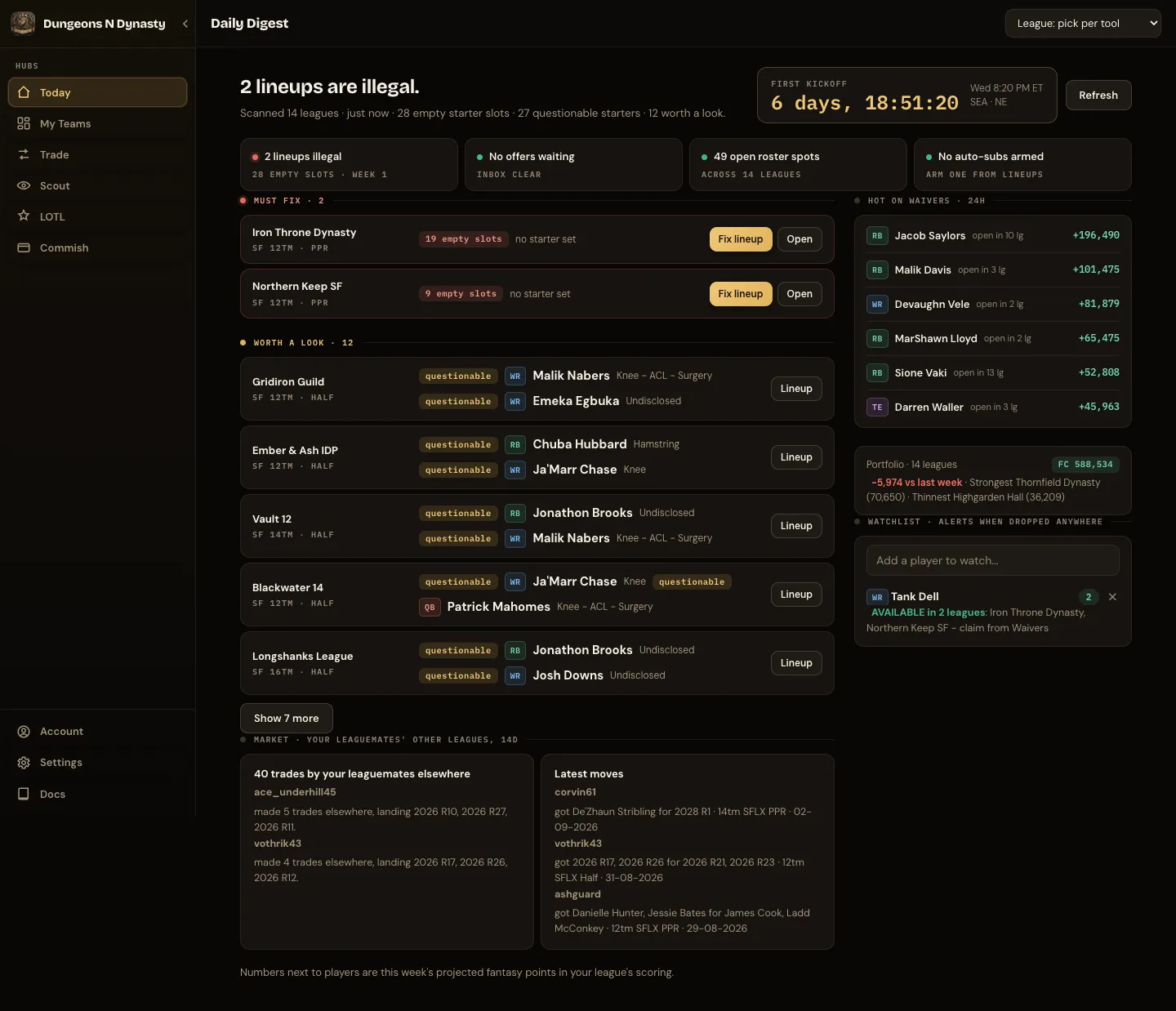
4. Open Today
Section titled “4. Open Today”Today is the landing screen. The first load scans every league and can take a little longer; after that the app remembers what does not change and tabs open quickly.
5. Where to go next
Section titled “5. Where to go next”- Broken lineup or an injured starter: Fix every lineup before kickoff.
- Pricing a trade you were offered: Price a trade.
- Selling a player: Sell to the right leaguemate.
- You commission a league: Commish.
- Something is not working: Troubleshooting.