
Account and Sleeper link
Sleeper link
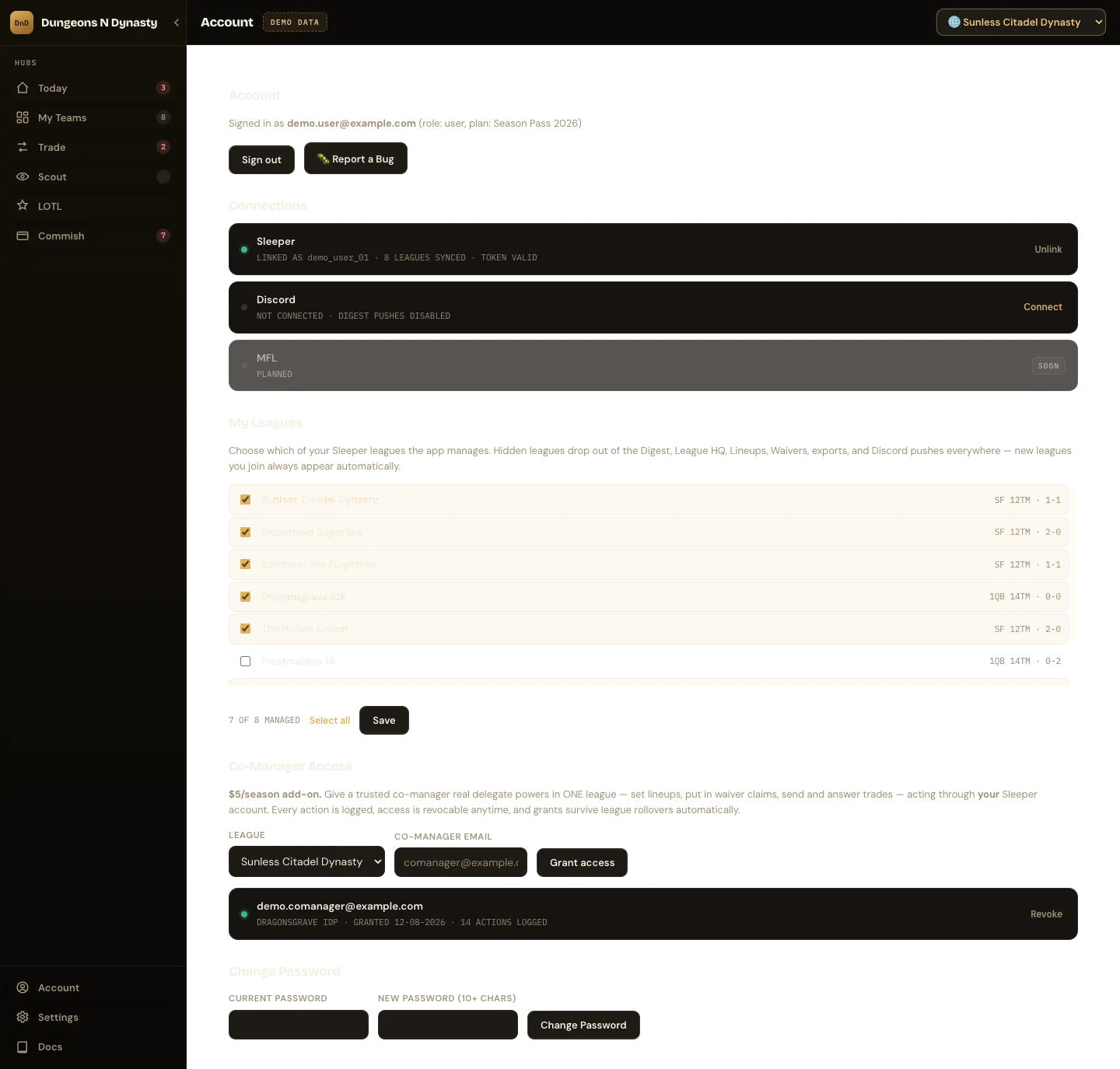
Section titled “Sleeper link”Shows whether Sleeper is linked and to which account. Linking uses a one-time code sent by Sleeper to your username, email or phone; no password is entered in the app. Unlink Sleeper removes the stored connection immediately. Relink here if Sleeper ever asks you to sign in again.
Manage Leagues
Section titled “Manage Leagues”Hide leagues you do not want in the app. Hidden leagues disappear from Today, My Teams, Trade, Scout, the exports and Discord pushes at once, and come back the moment you unhide them. Leagues you have been delegated as a co-manager cannot be hidden.
Co-manager access
Section titled “Co-manager access”A $5-per-season add-on. Grant a trusted partner real delegate powers in one league: set lineups, place waiver claims, send and answer trades, acting through your Sleeper account from their own Dungeons N Dynasty login. Sleeper’s own co-owner role cannot do any of that.
- Enter the co-manager’s account email and choose the league.
- Every action they take is logged under the grant.
- Revoke at any time; grants survive league renewals.
- The delegate never sees your Sleeper credentials or your other leagues.
See Give a co-manager access for the walkthrough.
Discord brief
Section titled “Discord brief”Optional. Paste a Discord webhook URL and choose a cadence: weekly (Sunday morning ET), daily, or off. Your morning brief, trade offers awaiting you and lineup alerts, is pushed to that channel. Setup steps are in Send your brief to Discord.
Security
Section titled “Security”- Change password (10+ characters) signs out every other device automatically.
- Sign out of all devices does the same without changing the password. Use it after signing in on a shared computer.
- Password reset links arrive by email and expire quickly.
- Report a Bug sends a report with the page you were on; include what you expected to happen.
Season Pass
Section titled “Season Pass”Your plan and role are shown at the top of the page. See Season Pass and billing.