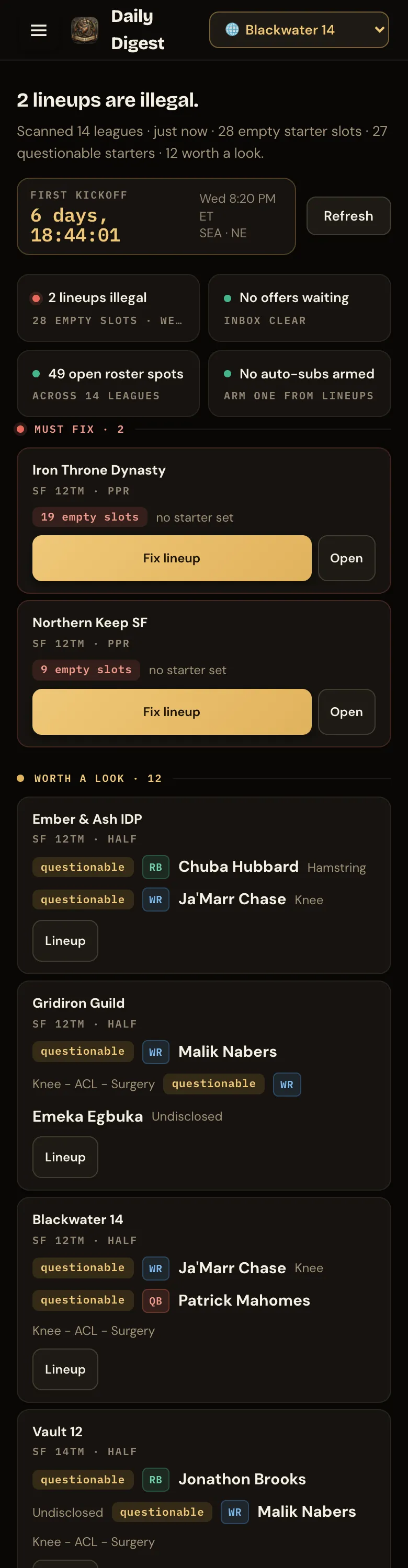
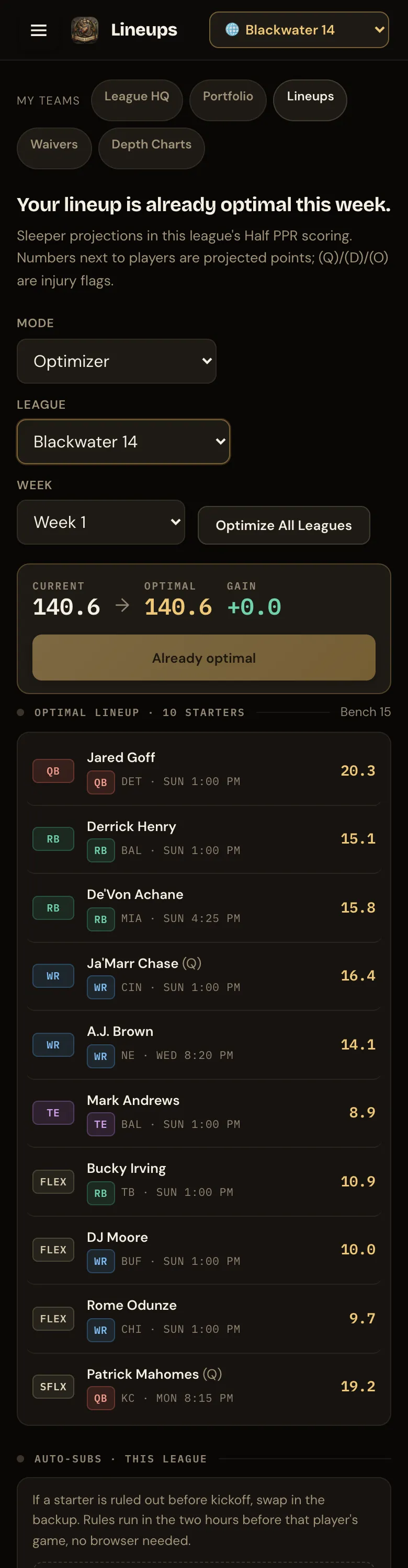
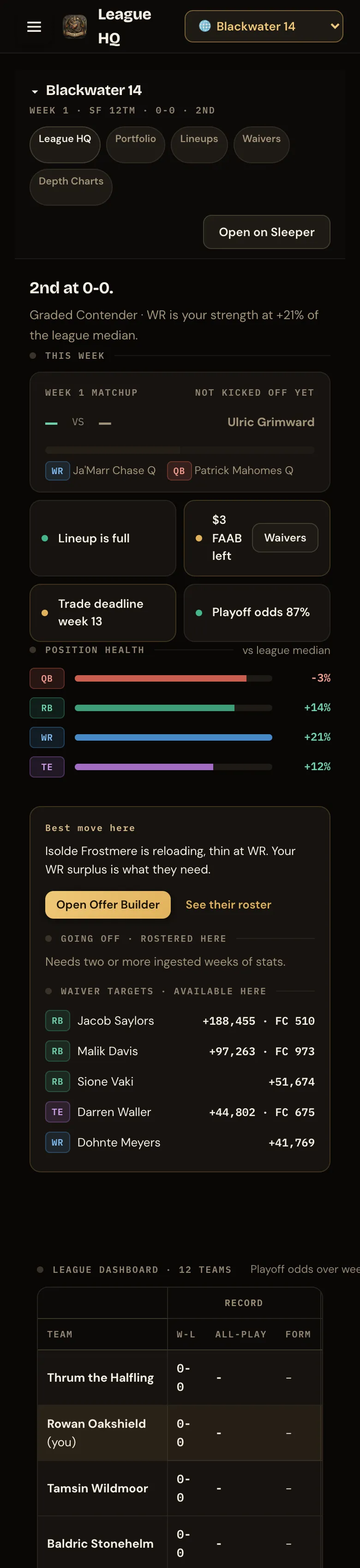
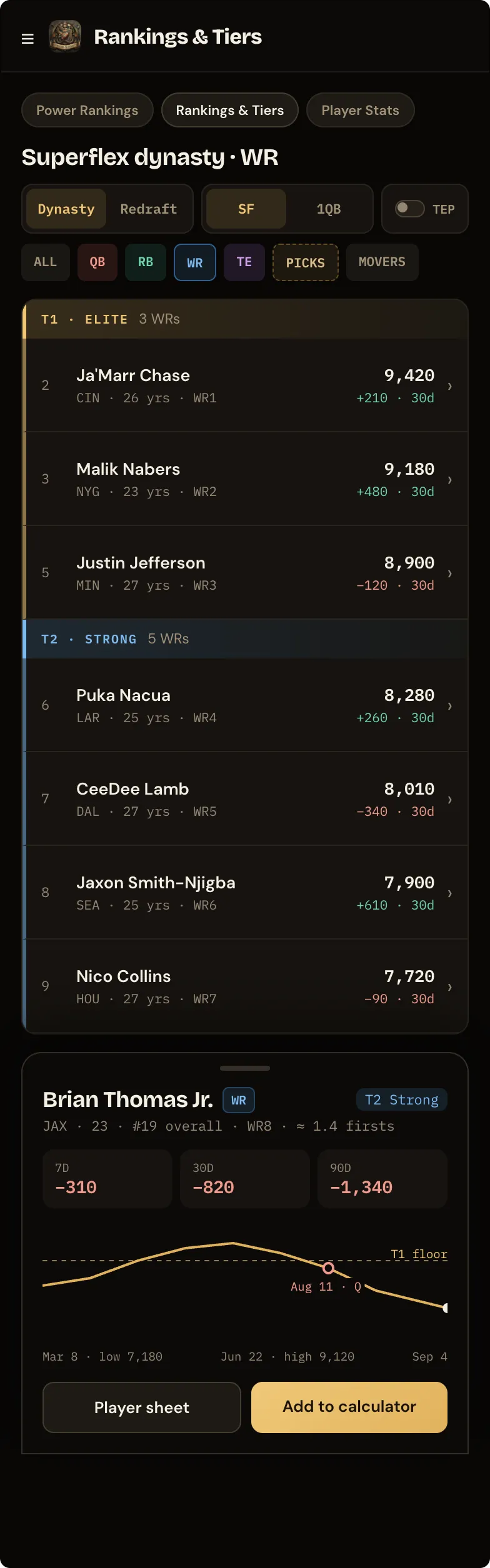
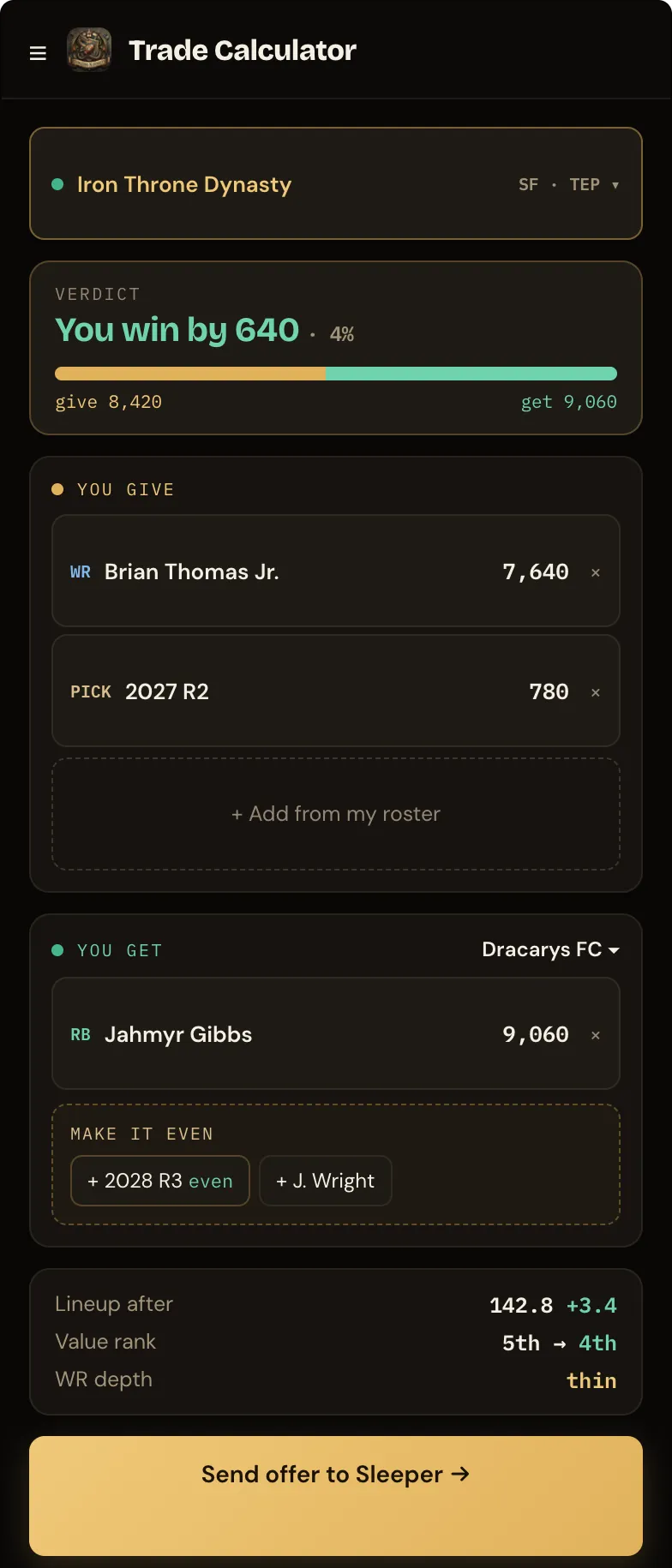
Using the app on your phone
- Open dungeonsndynasty.com in your phone’s browser and sign in once. You’ll stay signed in.
- Add to Home Screen from the browser’s share menu gives you an app icon and a full-screen view.
- The hubs live behind the menu button at the top left. The tab you were on is remembered when you come back.
- Wide tables scroll sideways inside their own frame; the page itself never scrolls sideways.
- Lineup saves, waiver claims and offers work exactly as on desktop.
What it looks like
Section titled “What it looks like”